
Gallery
Billy, screen by screen
Billy on the web, on Billy Desktop and on a phone. Tap a screenshot to see it larger. For how to use each screen, see the user guide.
27 screenshots
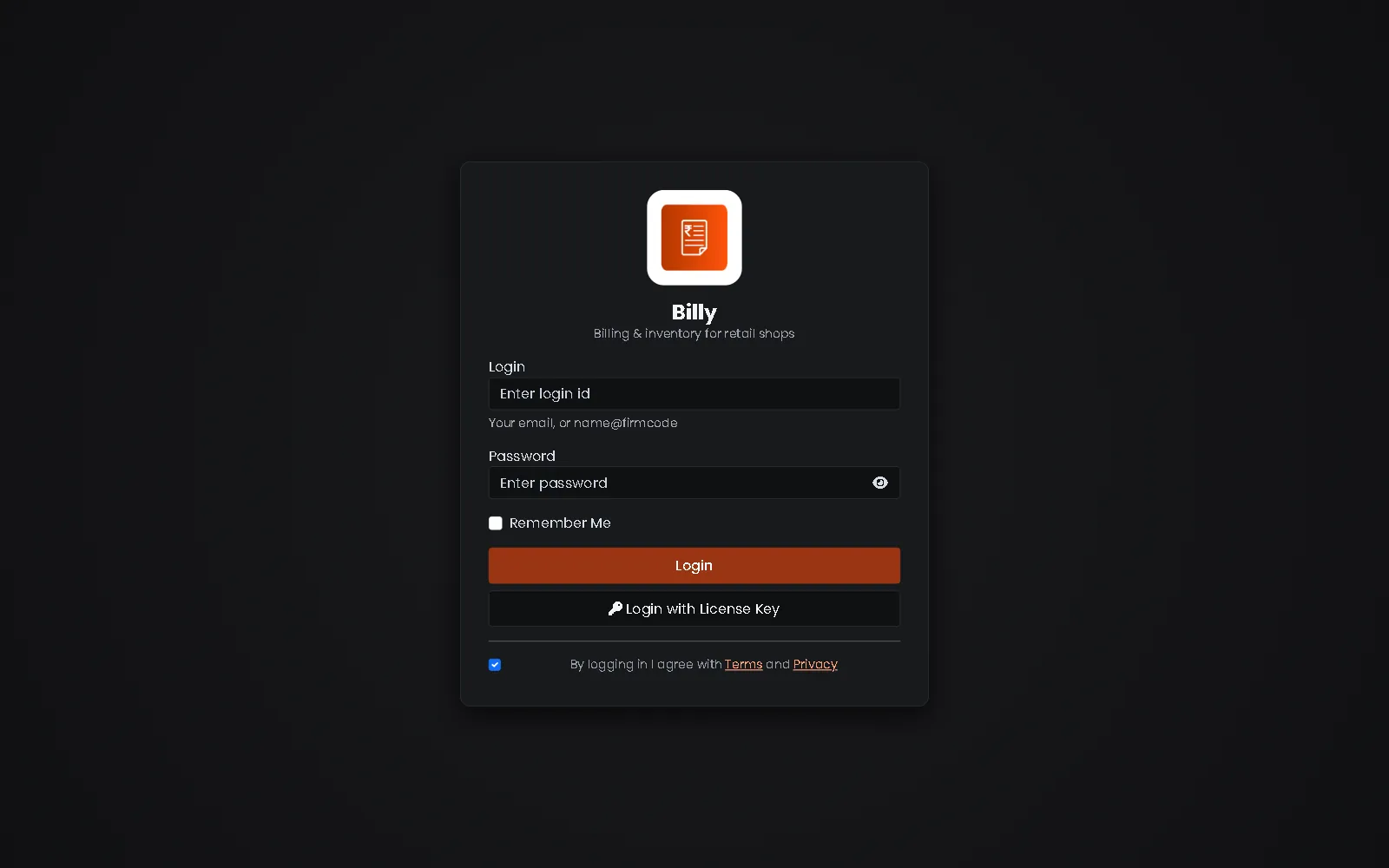 Sign in to Billy on the web
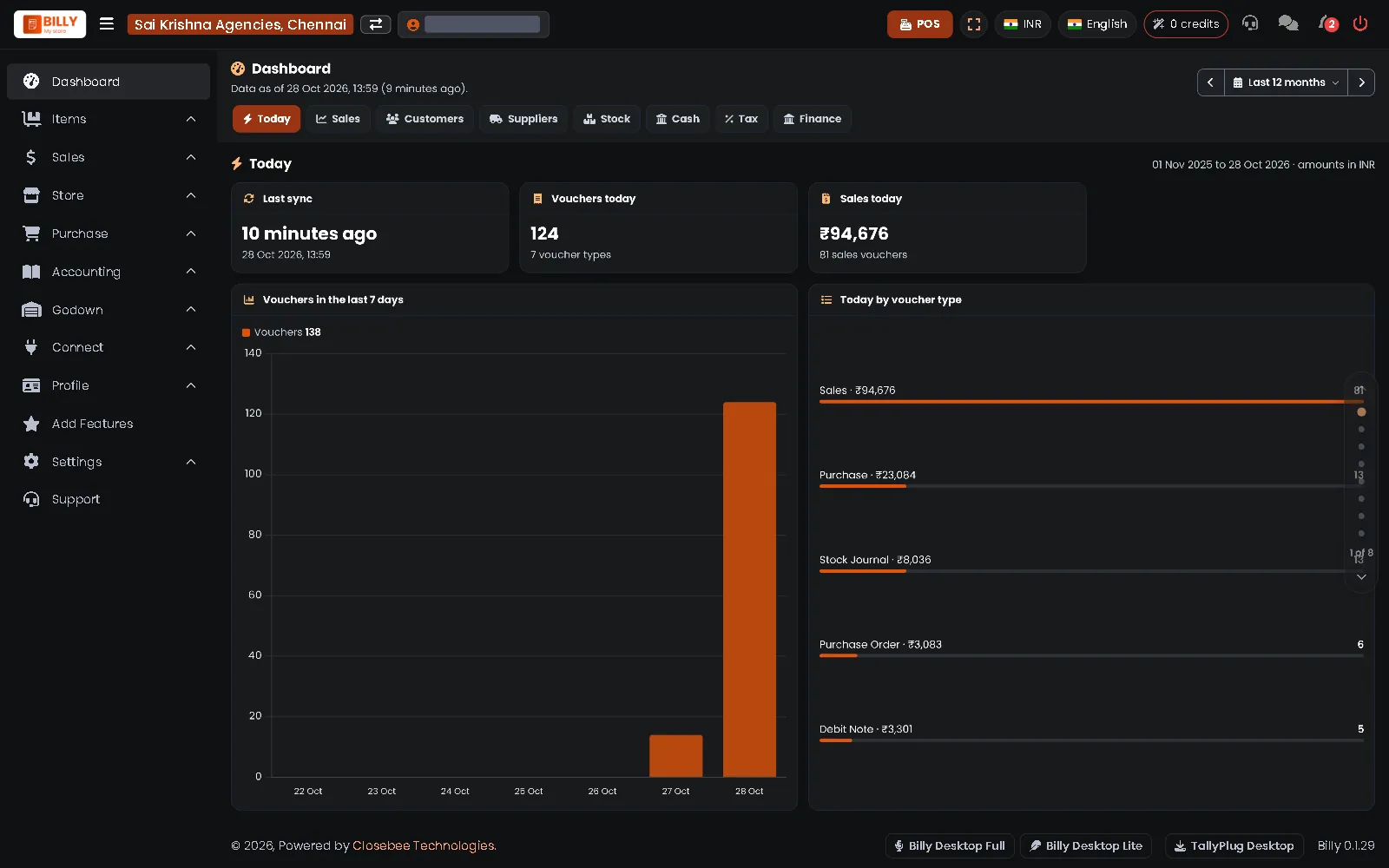 Dashboard: today at a glance
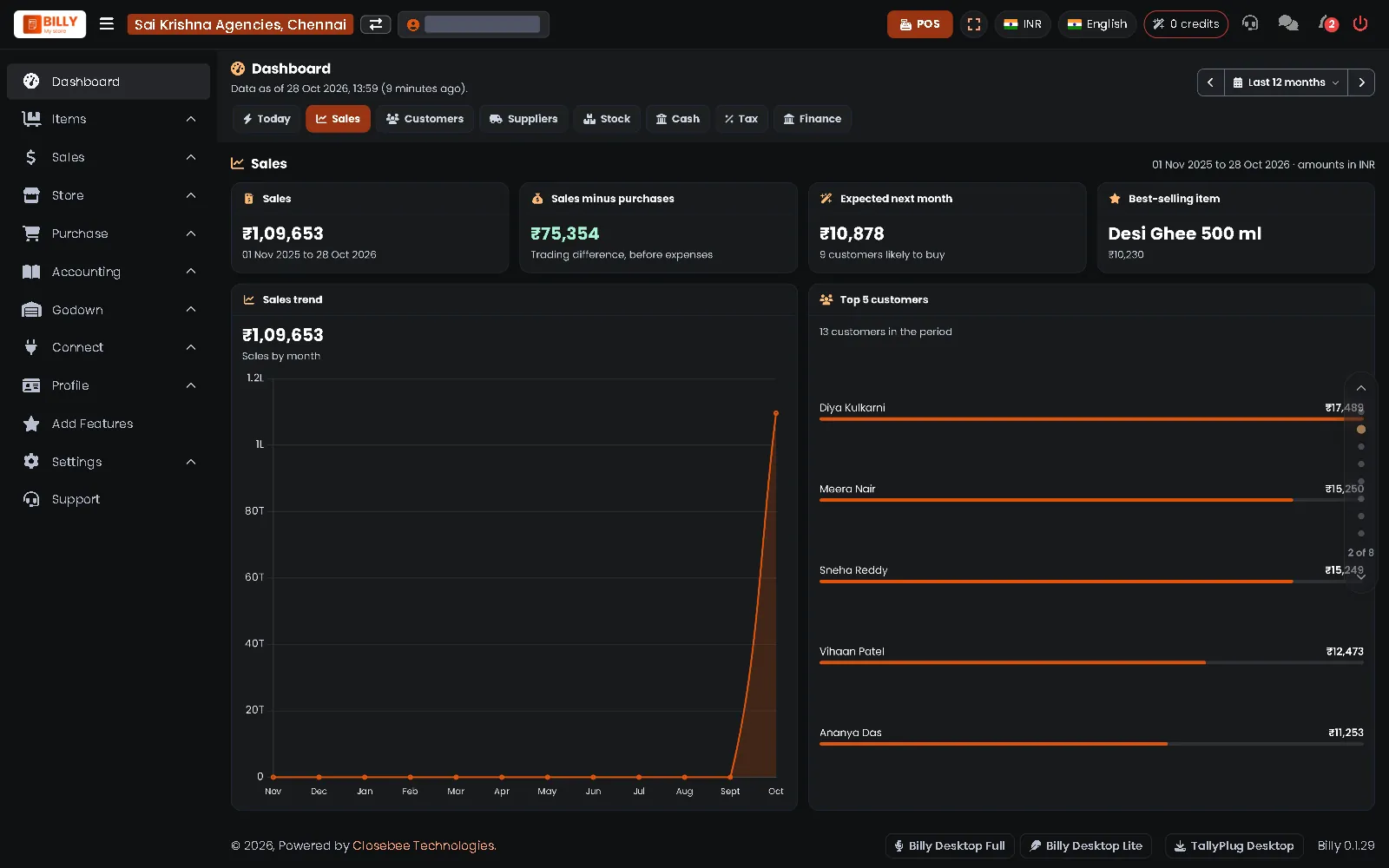 Dashboard: sales, top item and top customers
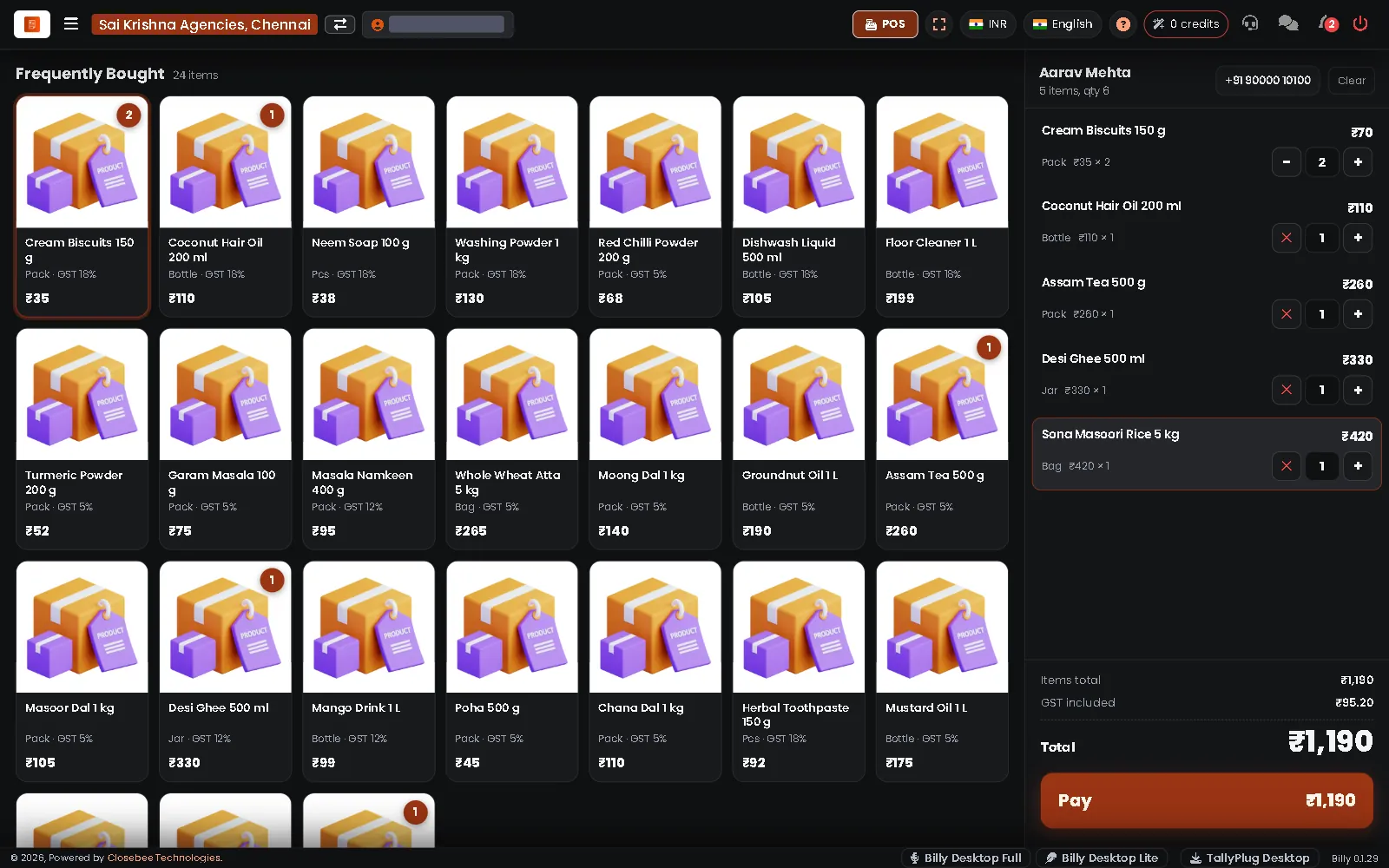 POS: tap tiles to build the bill
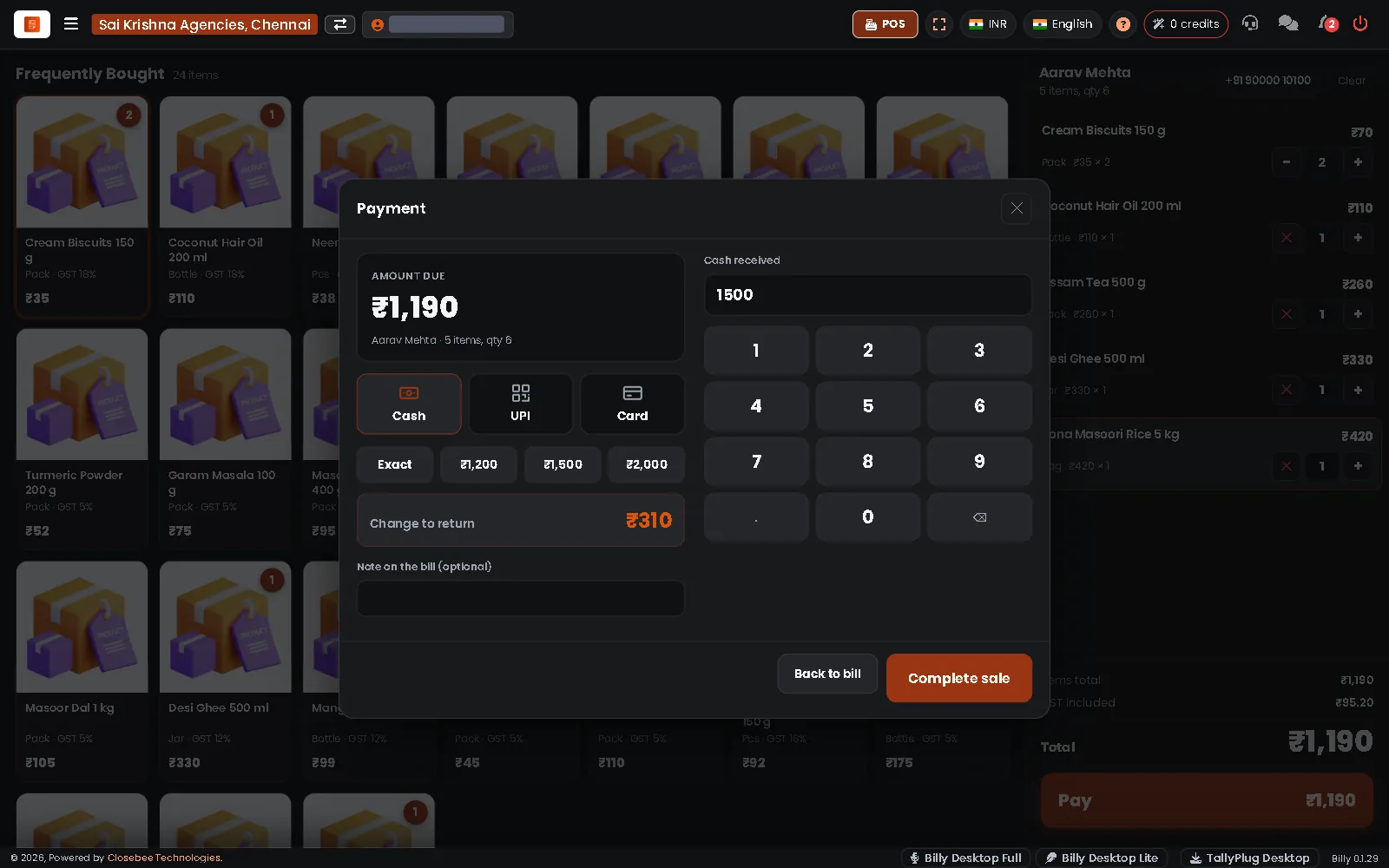 POS: cash payment with change to return
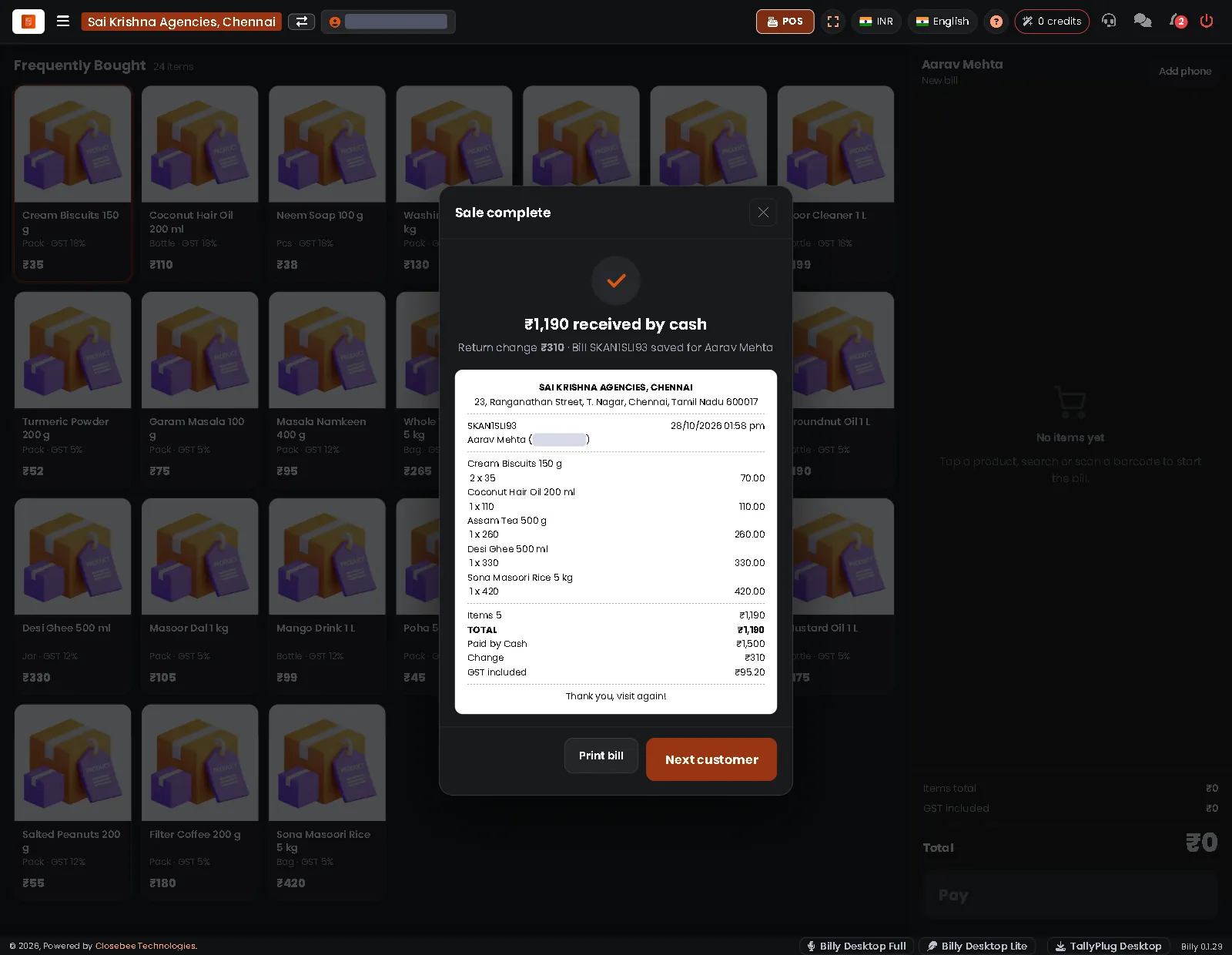 POS: sale complete, with the receipt
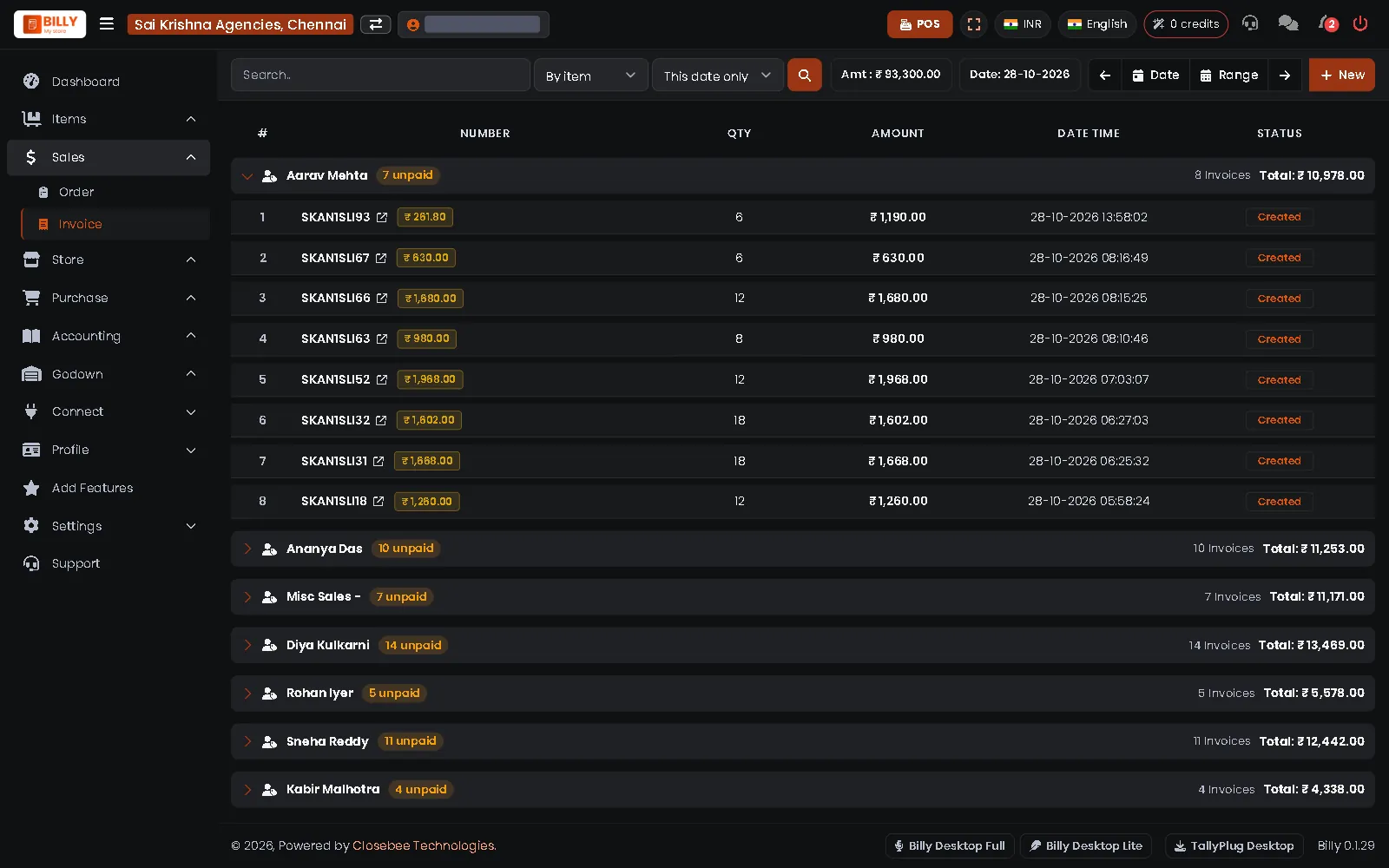 Sales invoices by customer
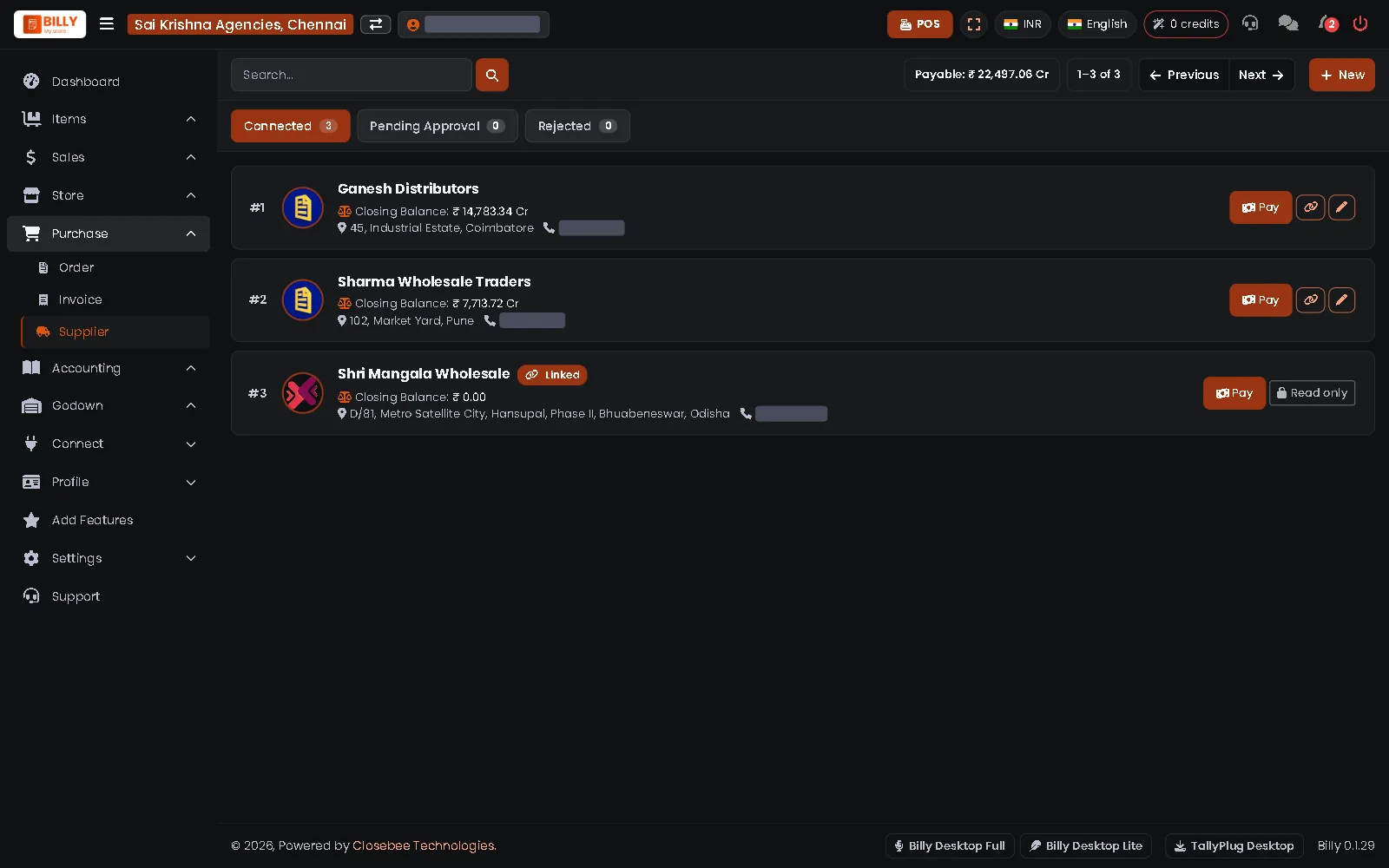 Suppliers and what you owe
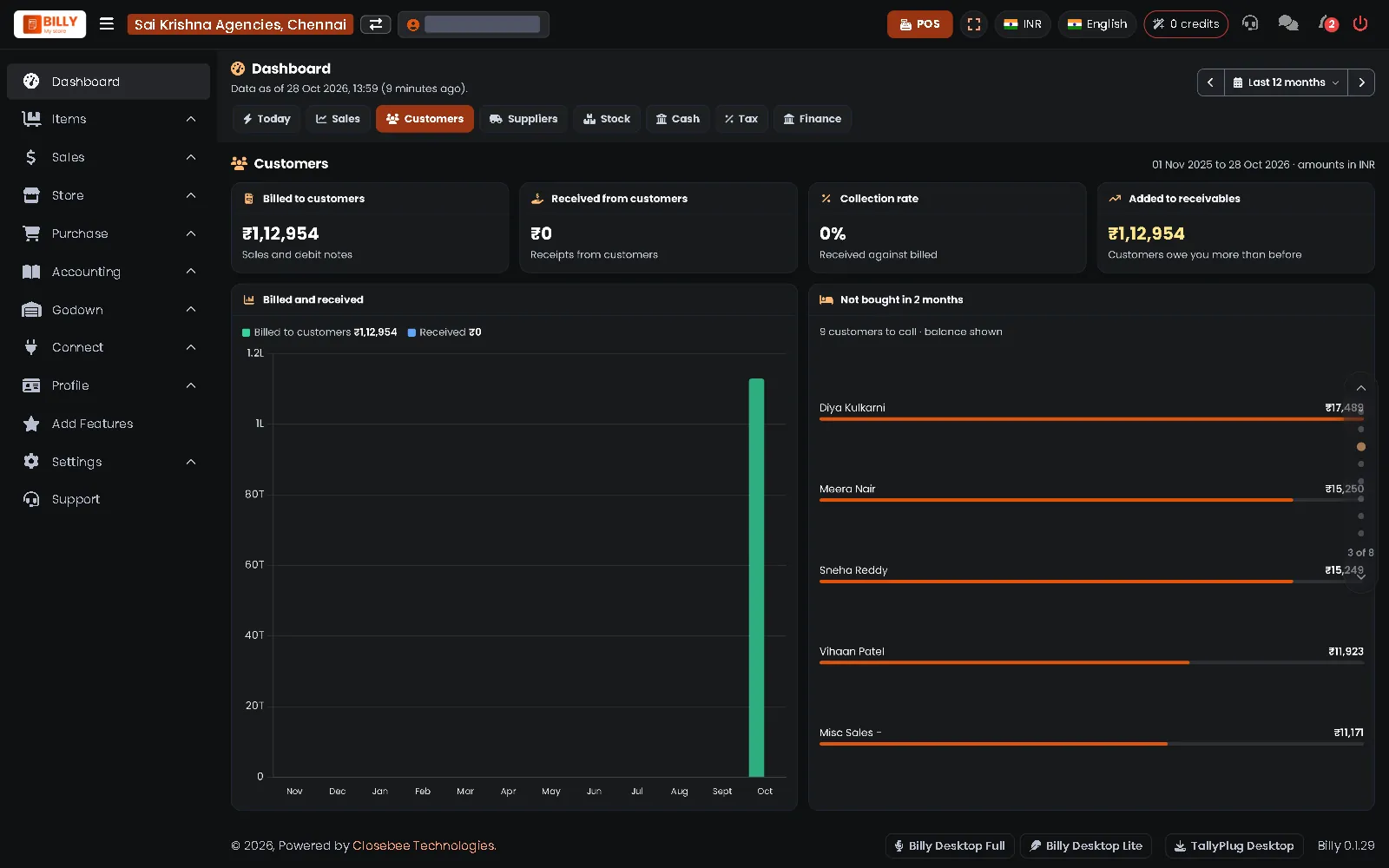 Dashboard: customers
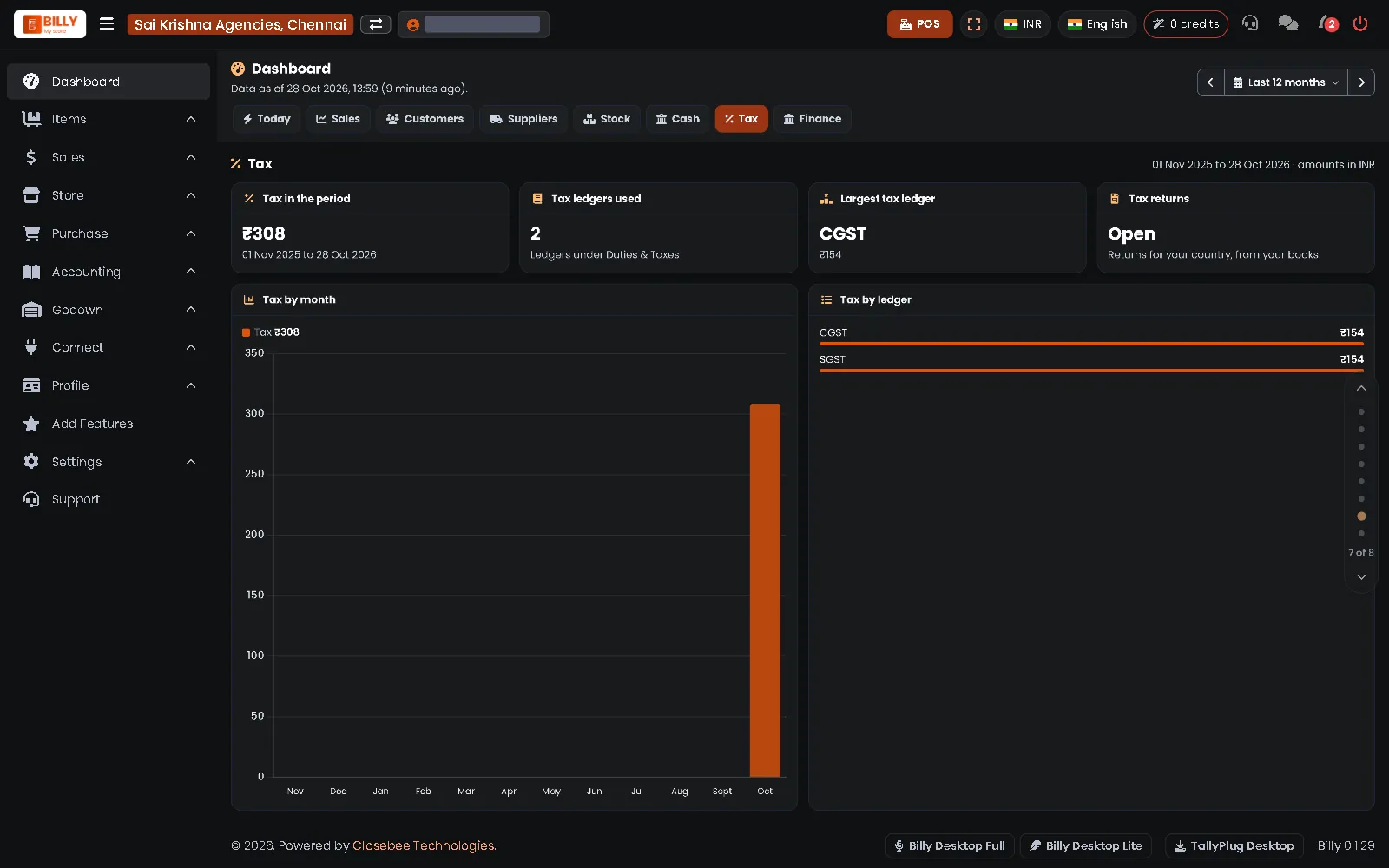 Dashboard: GST by ledger and month
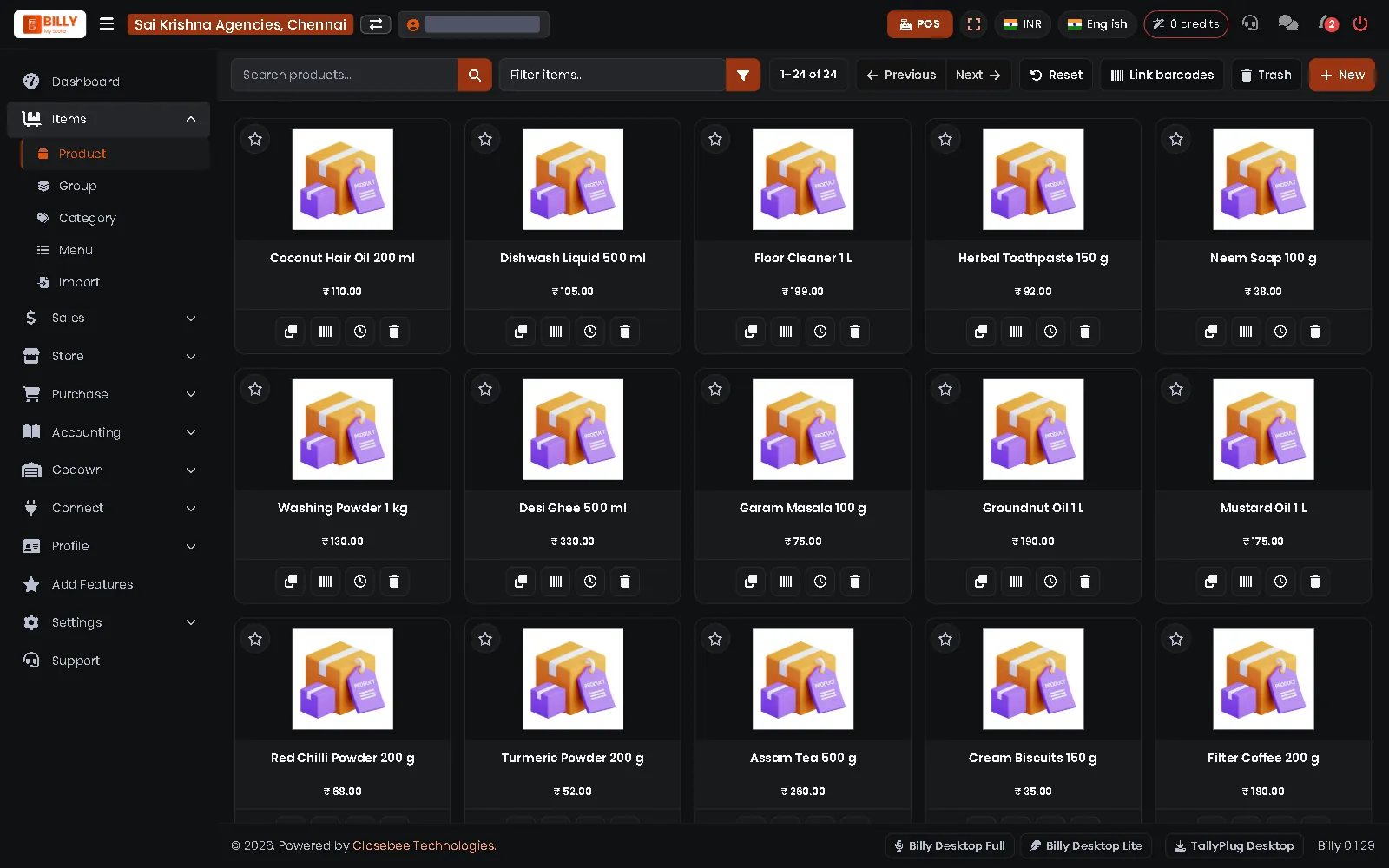 Your items with prices
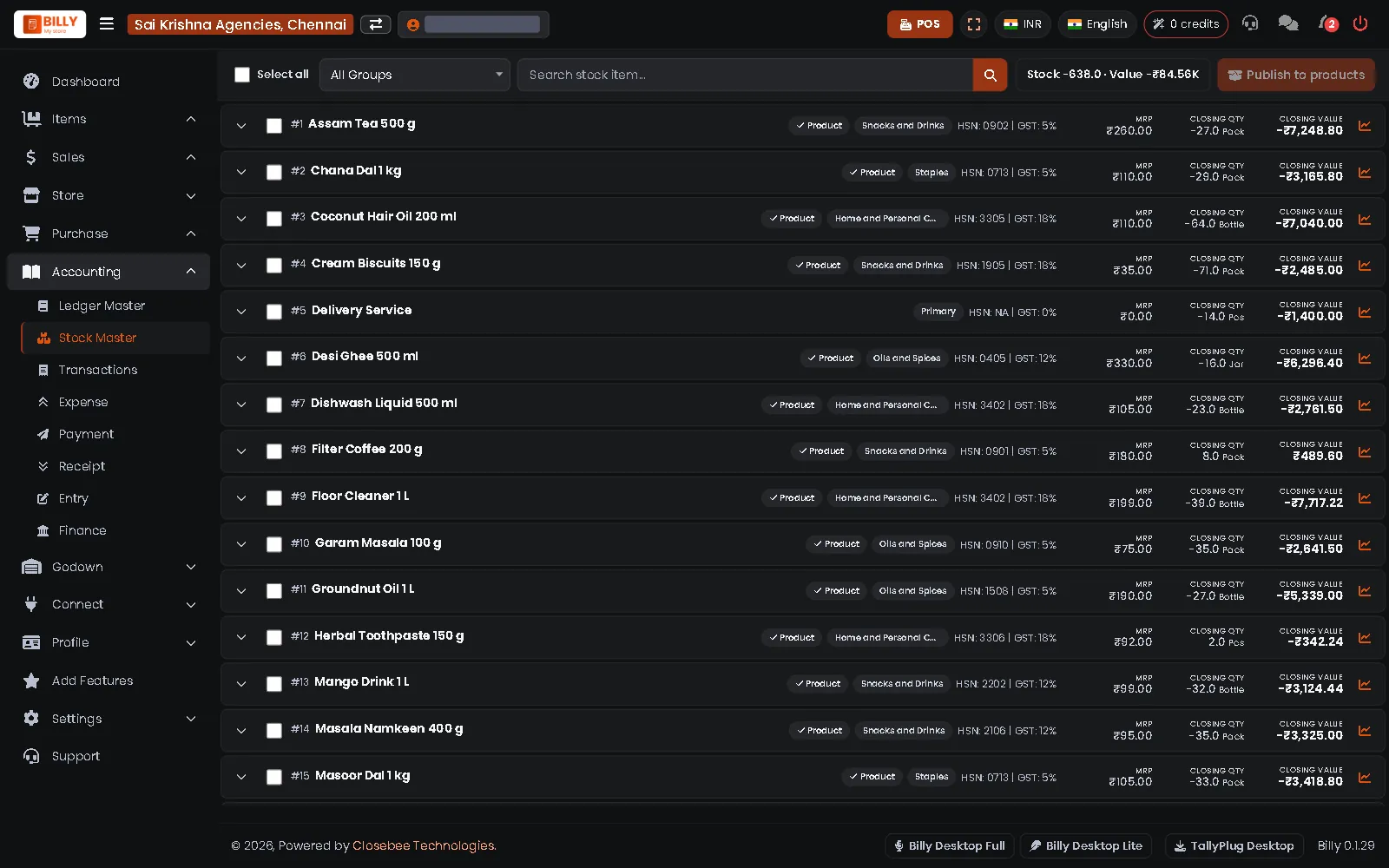 Stock of every item
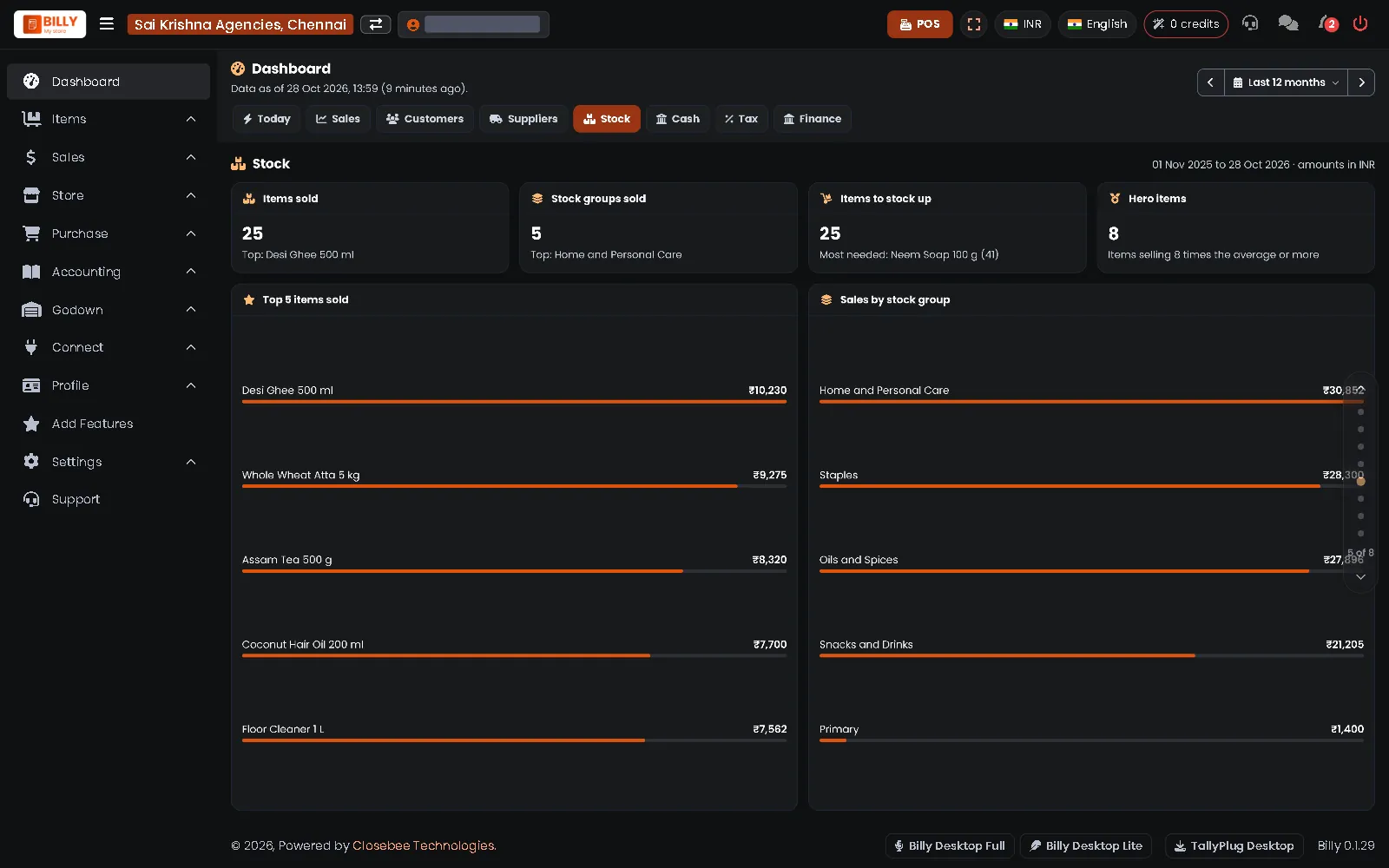 Dashboard: stock
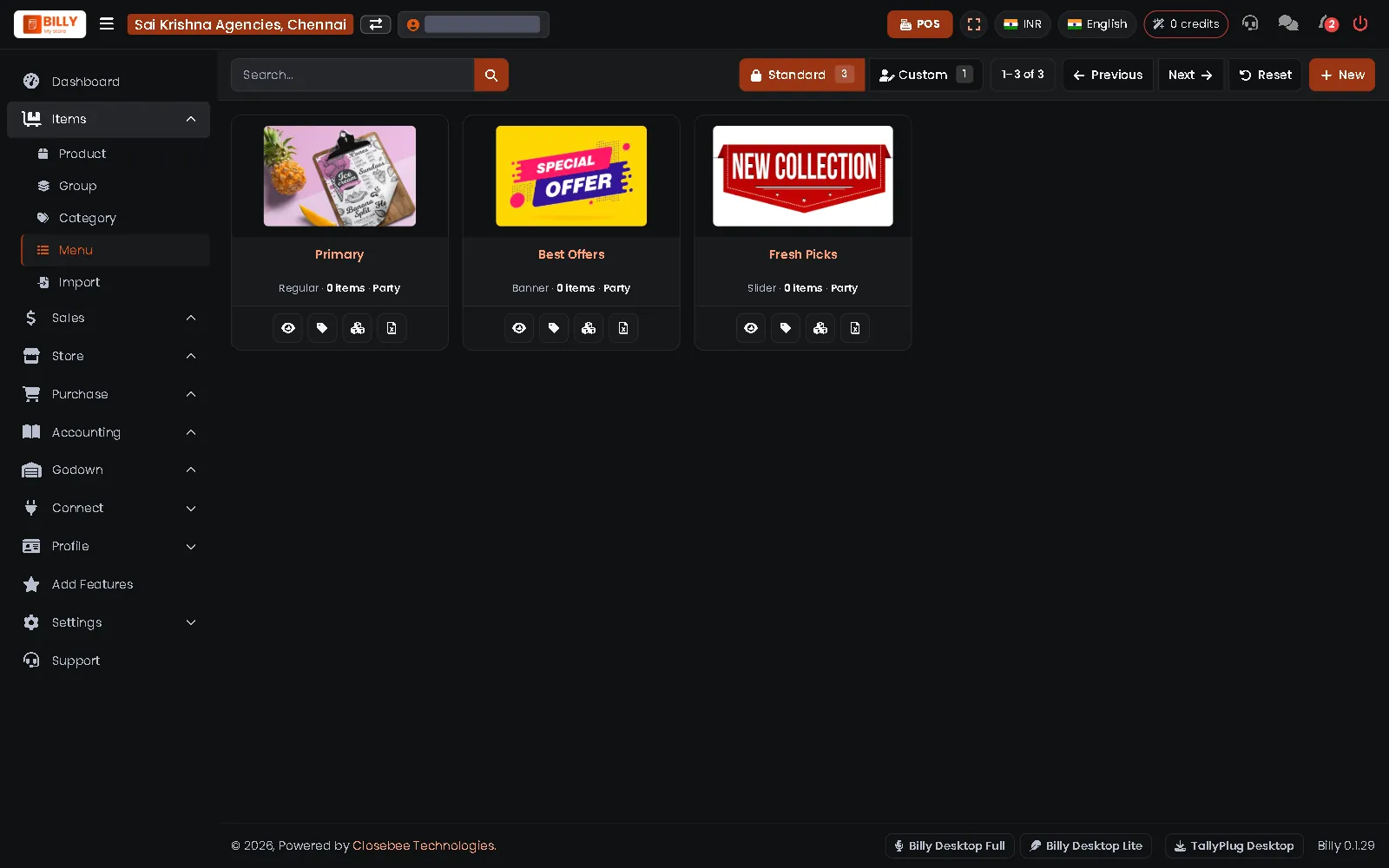 Menus, banners and sliders
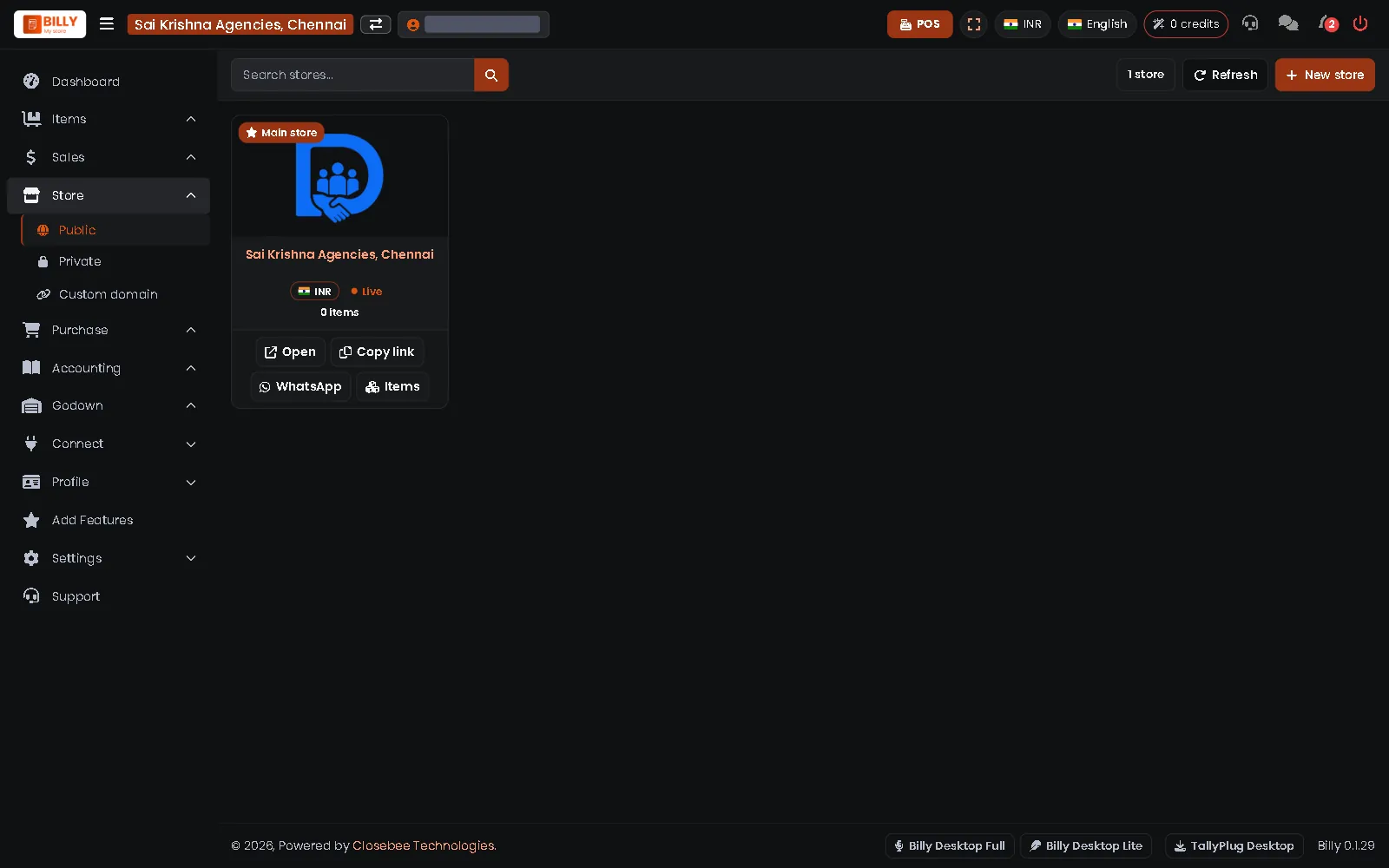 Your public online store
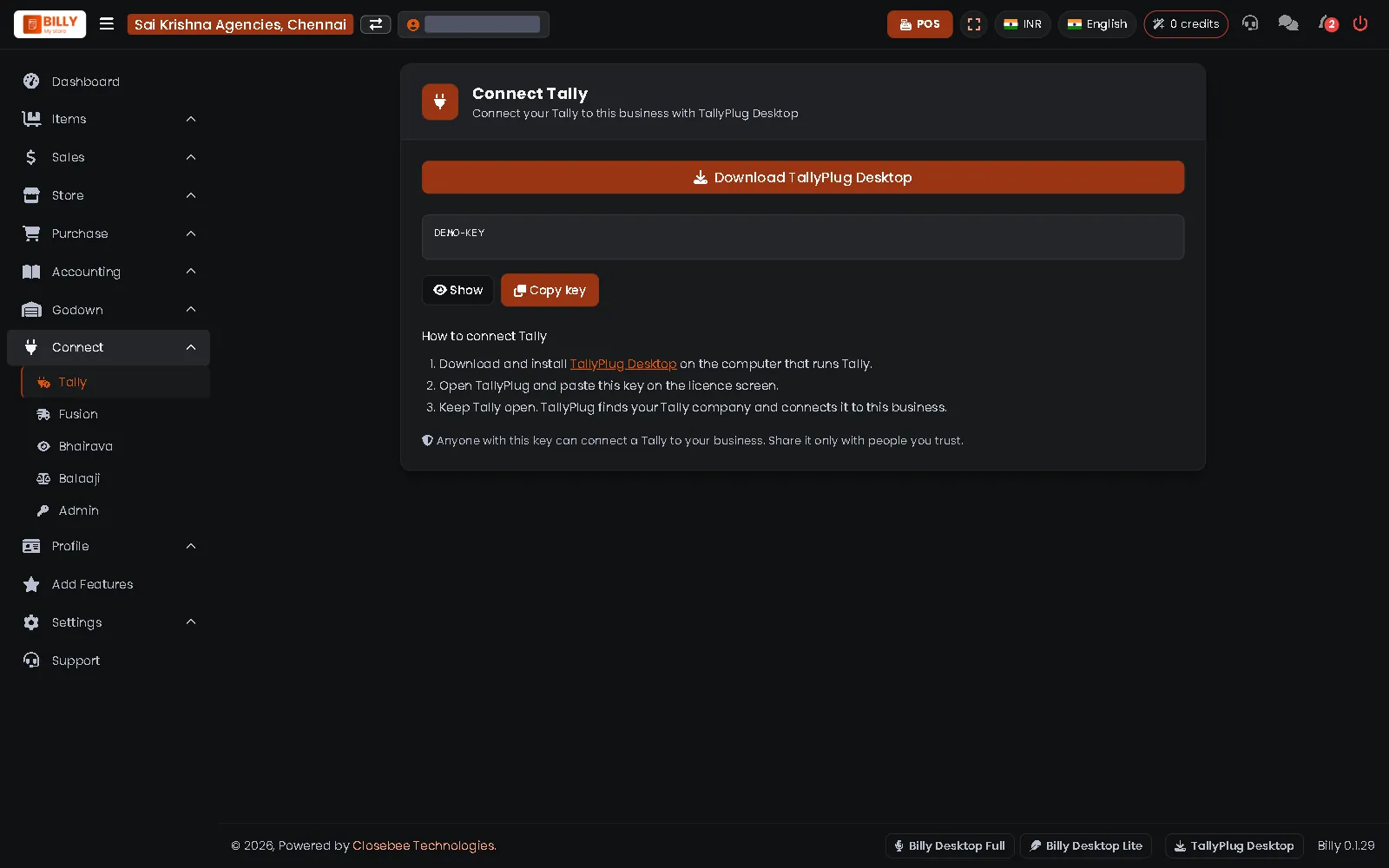 Connect Tally with TallyPlug Desktop
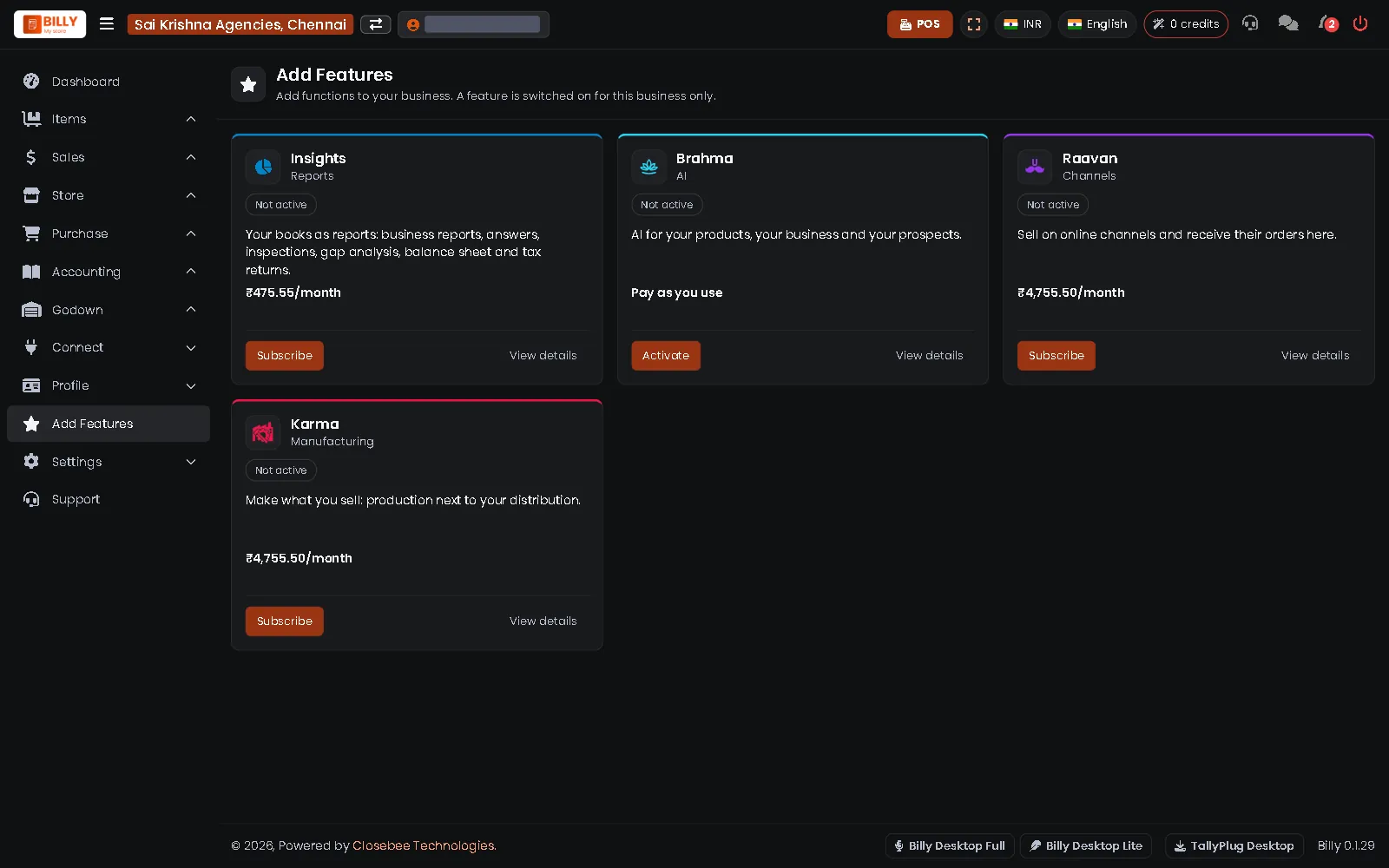 Add Features
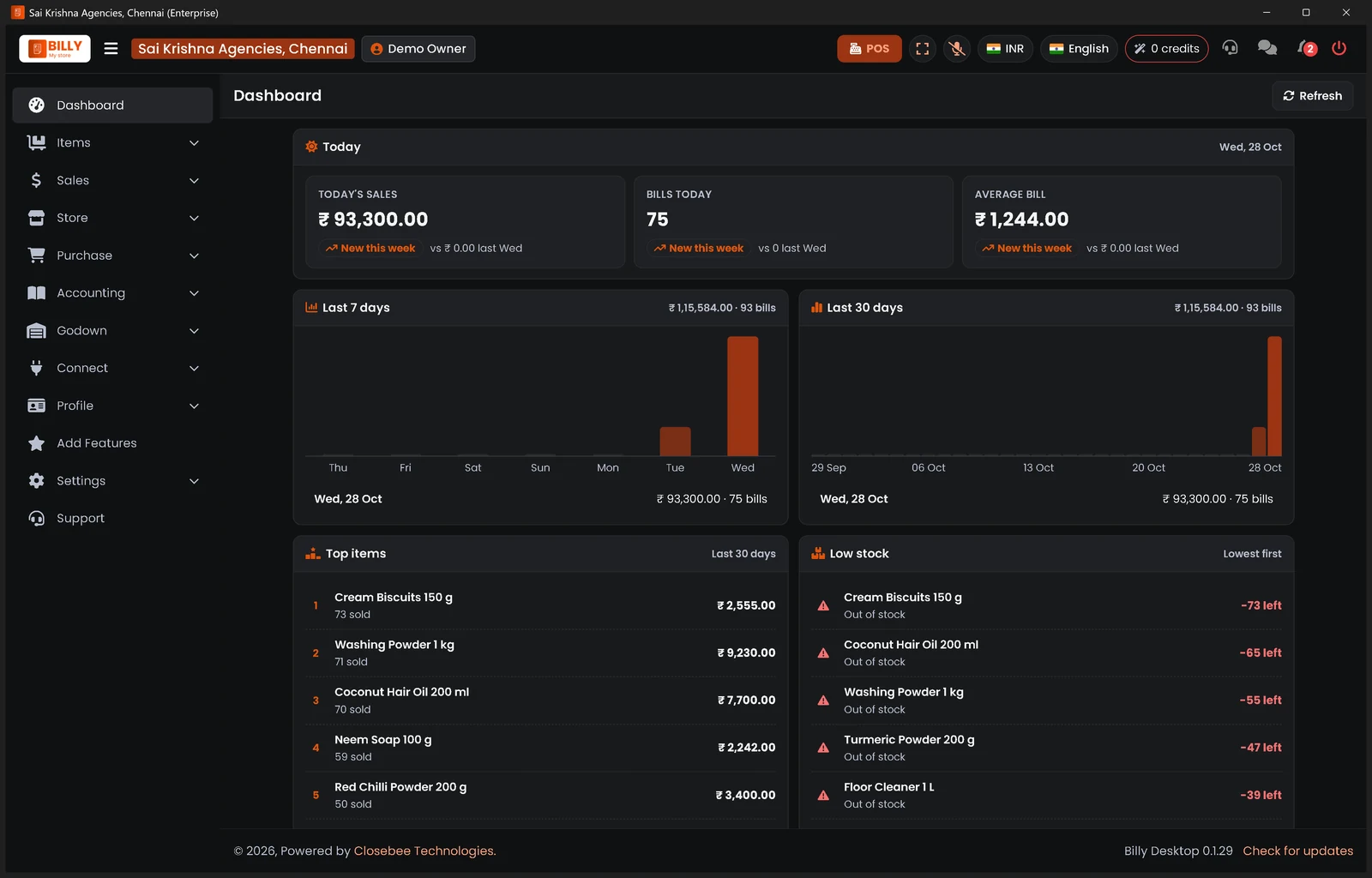 Billy Desktop: your shop in its own window
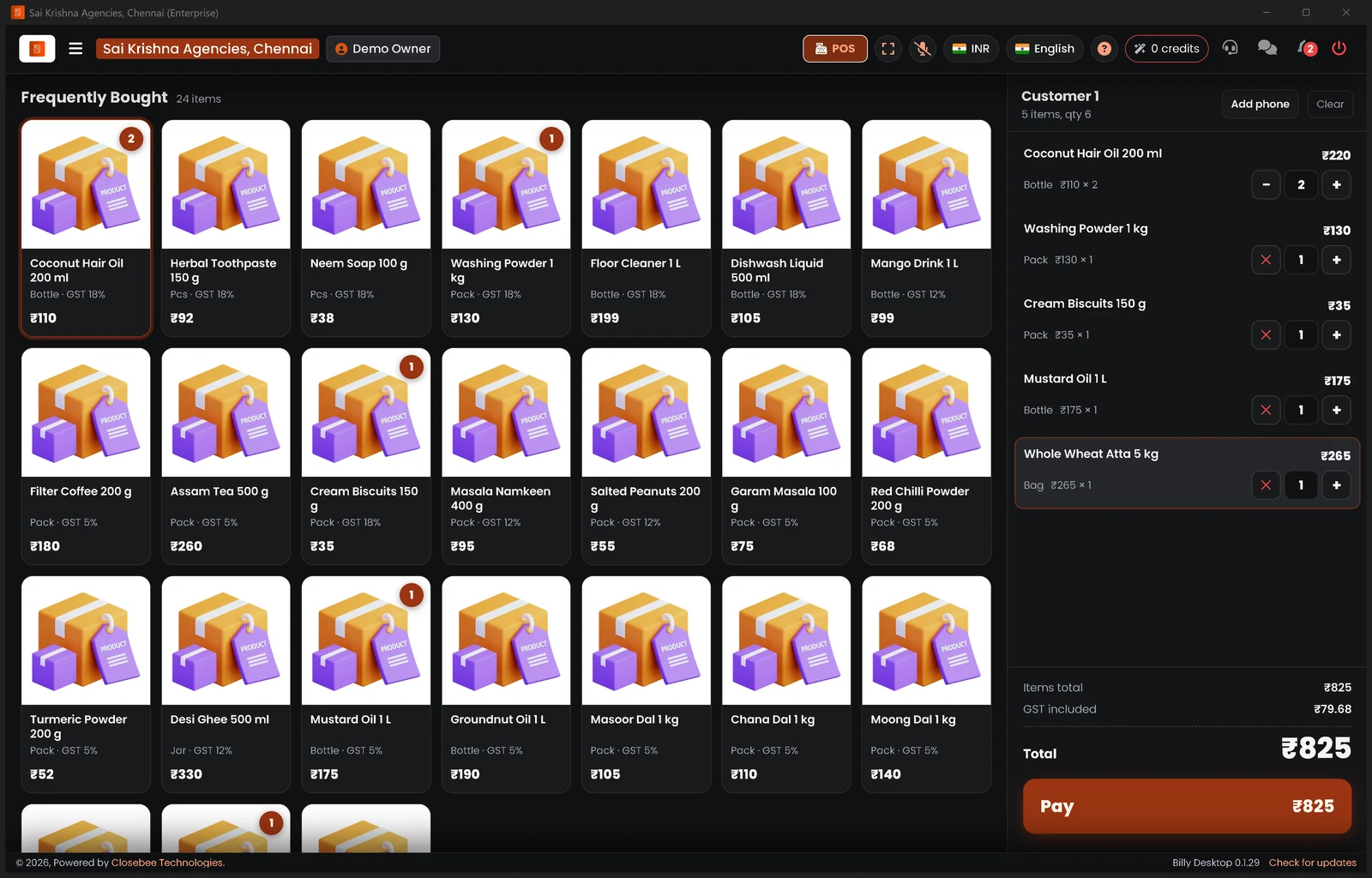 Billy Desktop POS: a bill in progress
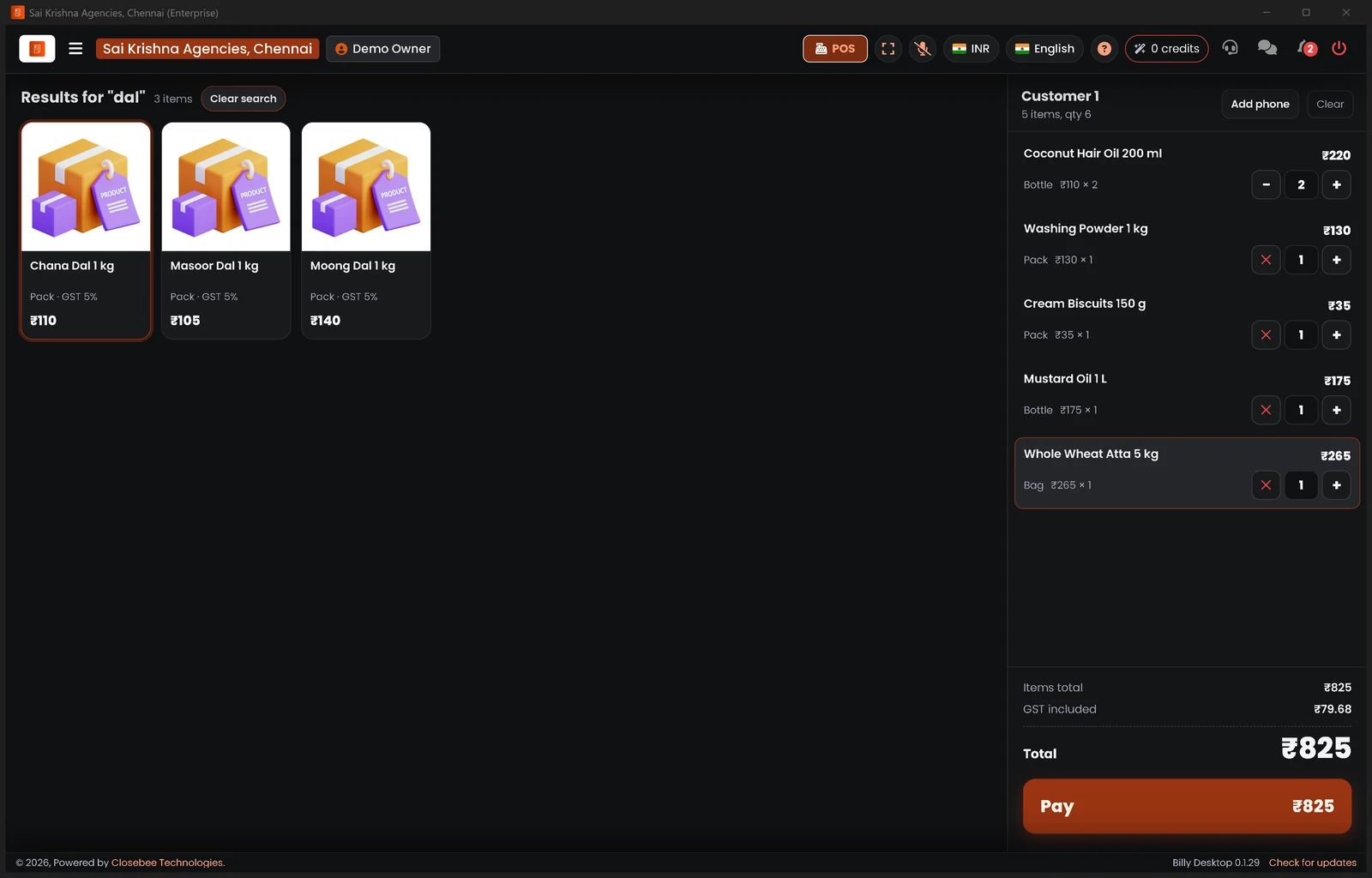 Billy Desktop POS: search results
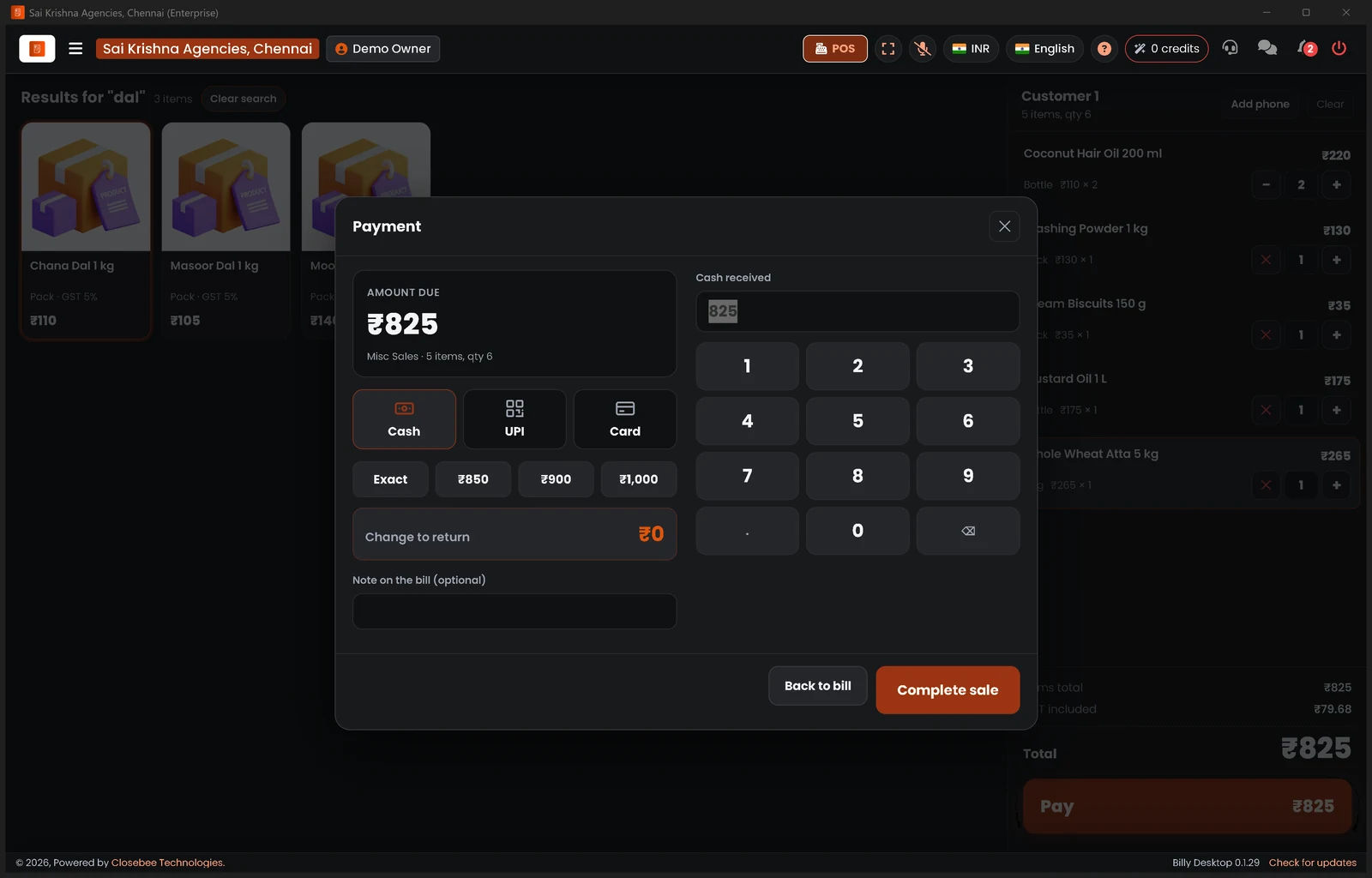 Billy Desktop POS: cash, UPI or card
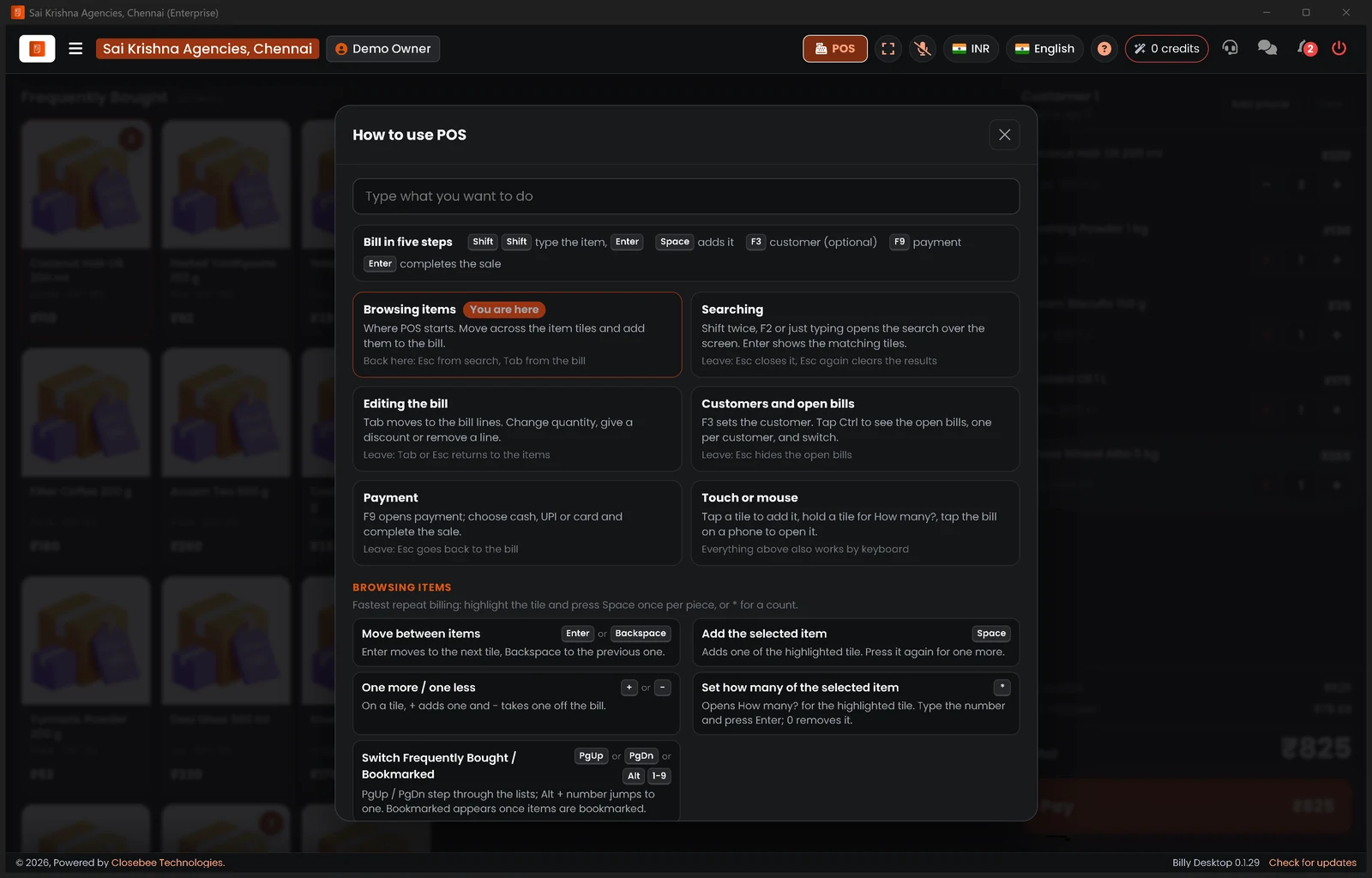 Billy Desktop POS: keyboard shortcuts
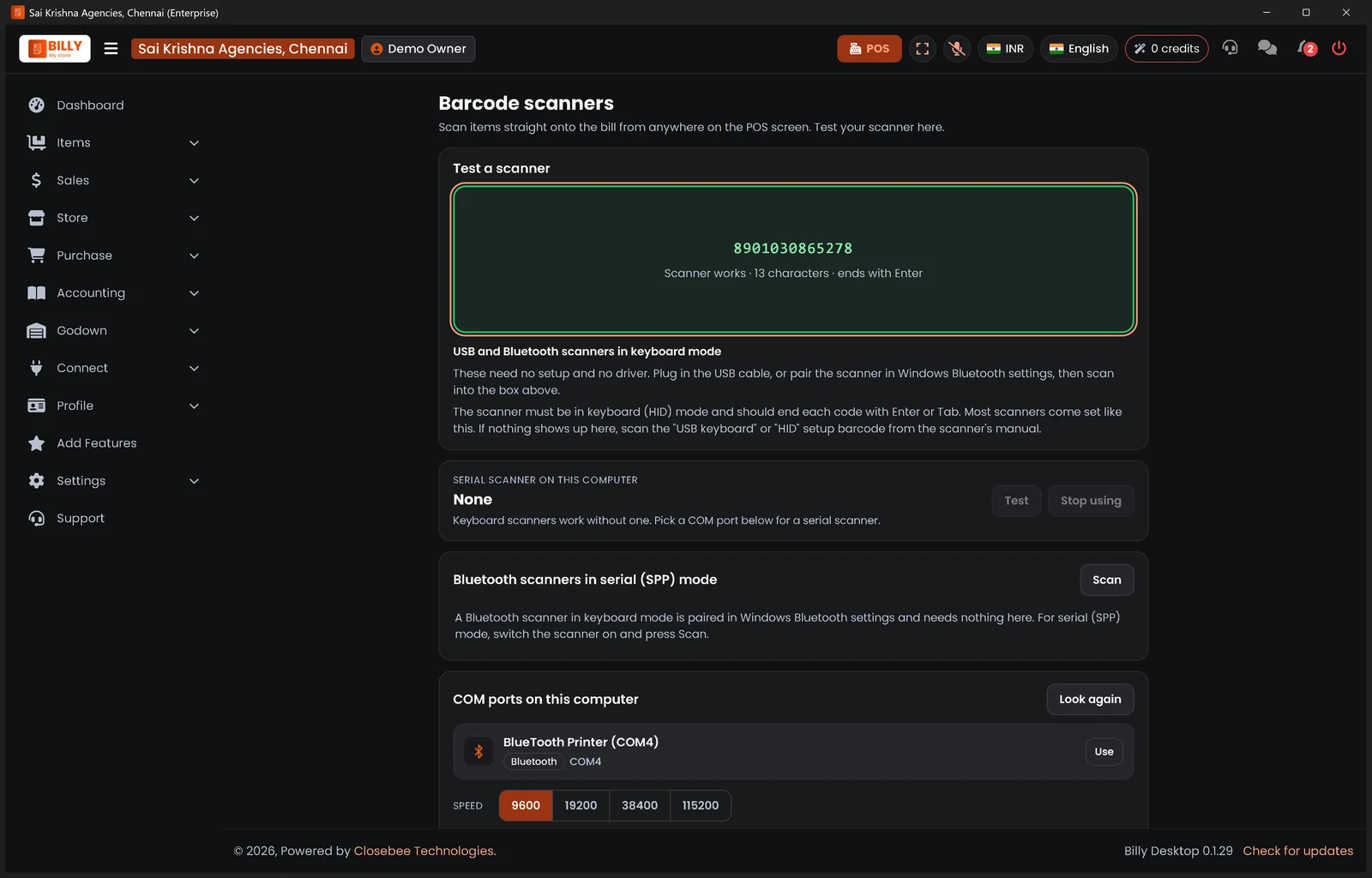 Billy Desktop: scanner test passed
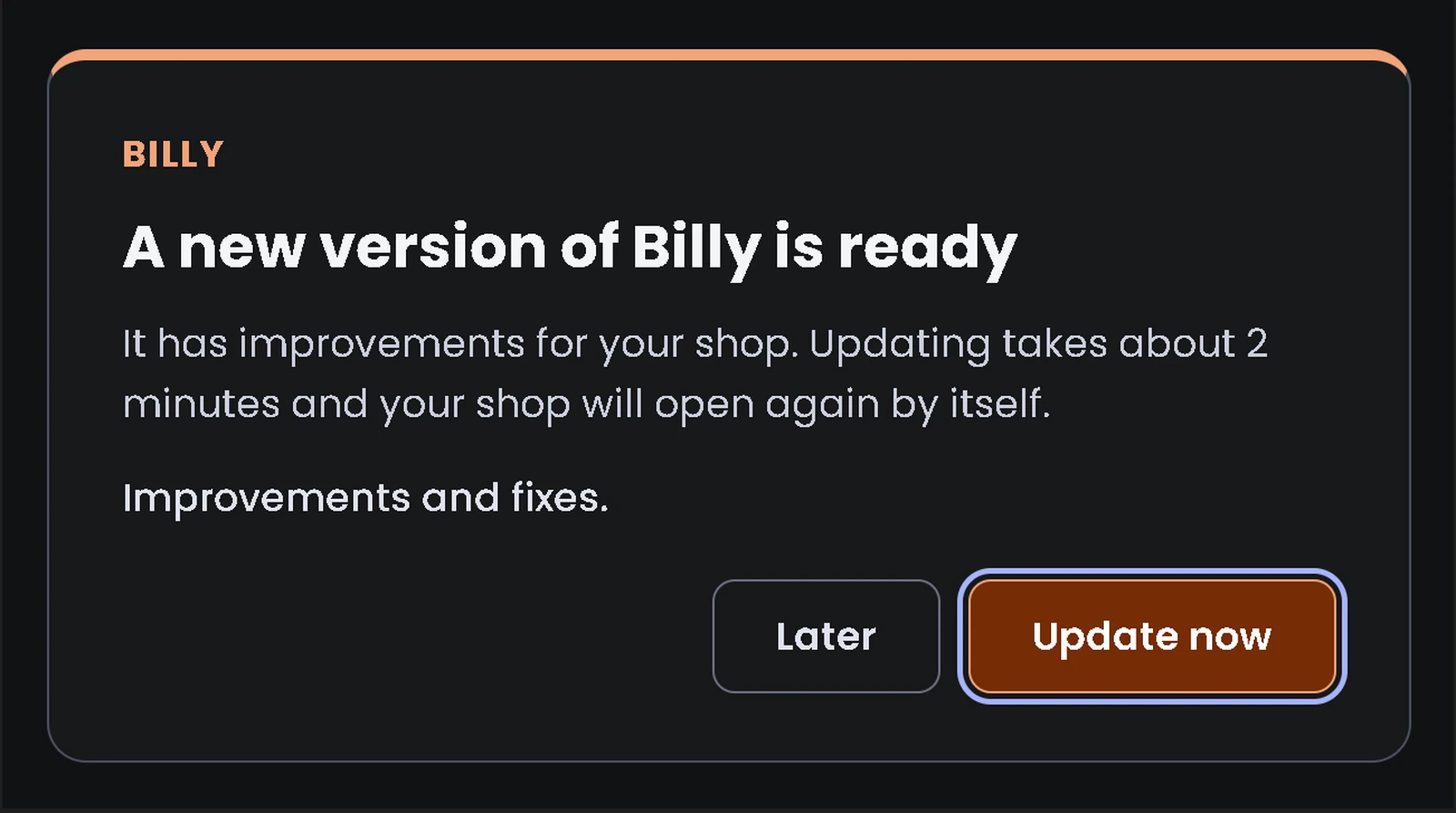 Billy Desktop: a new version is ready
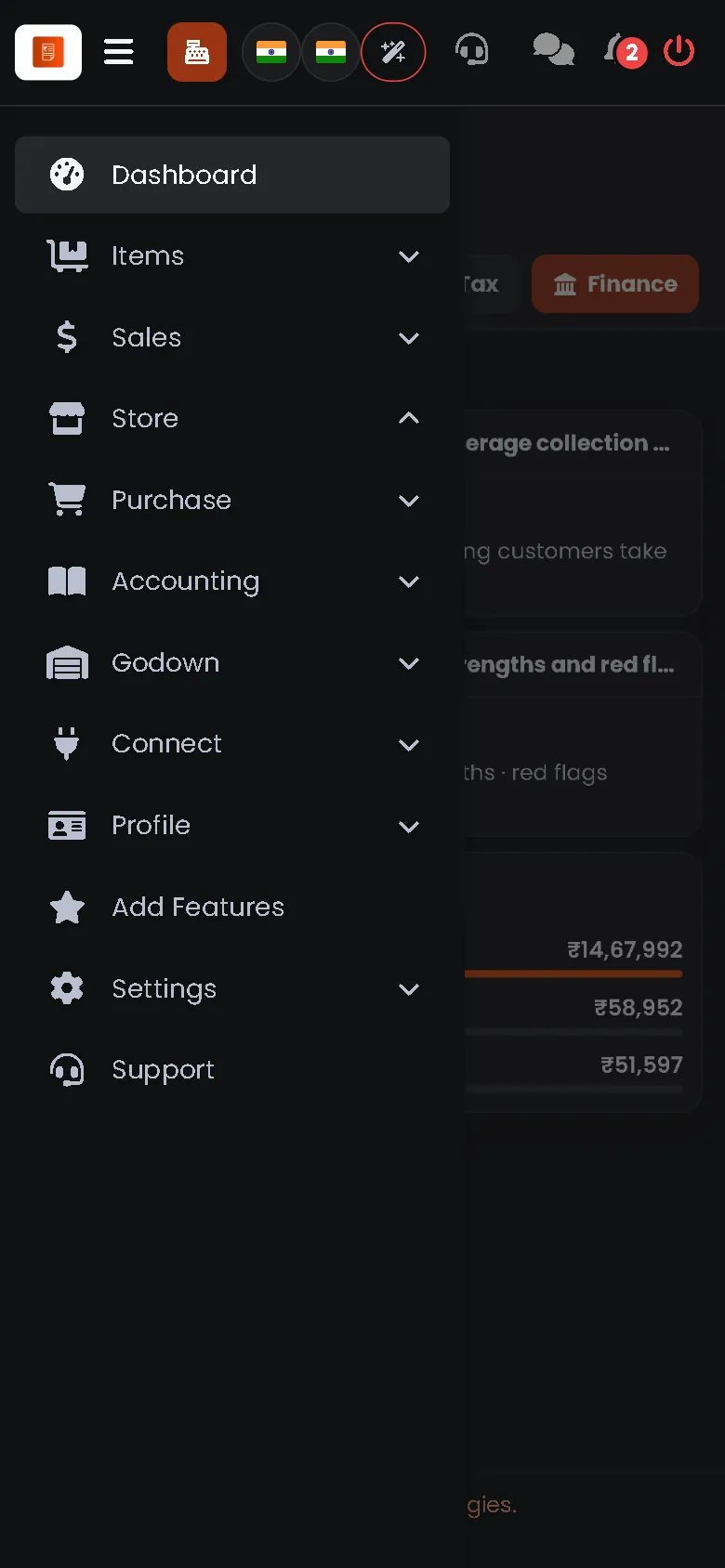 On a phone: the menu
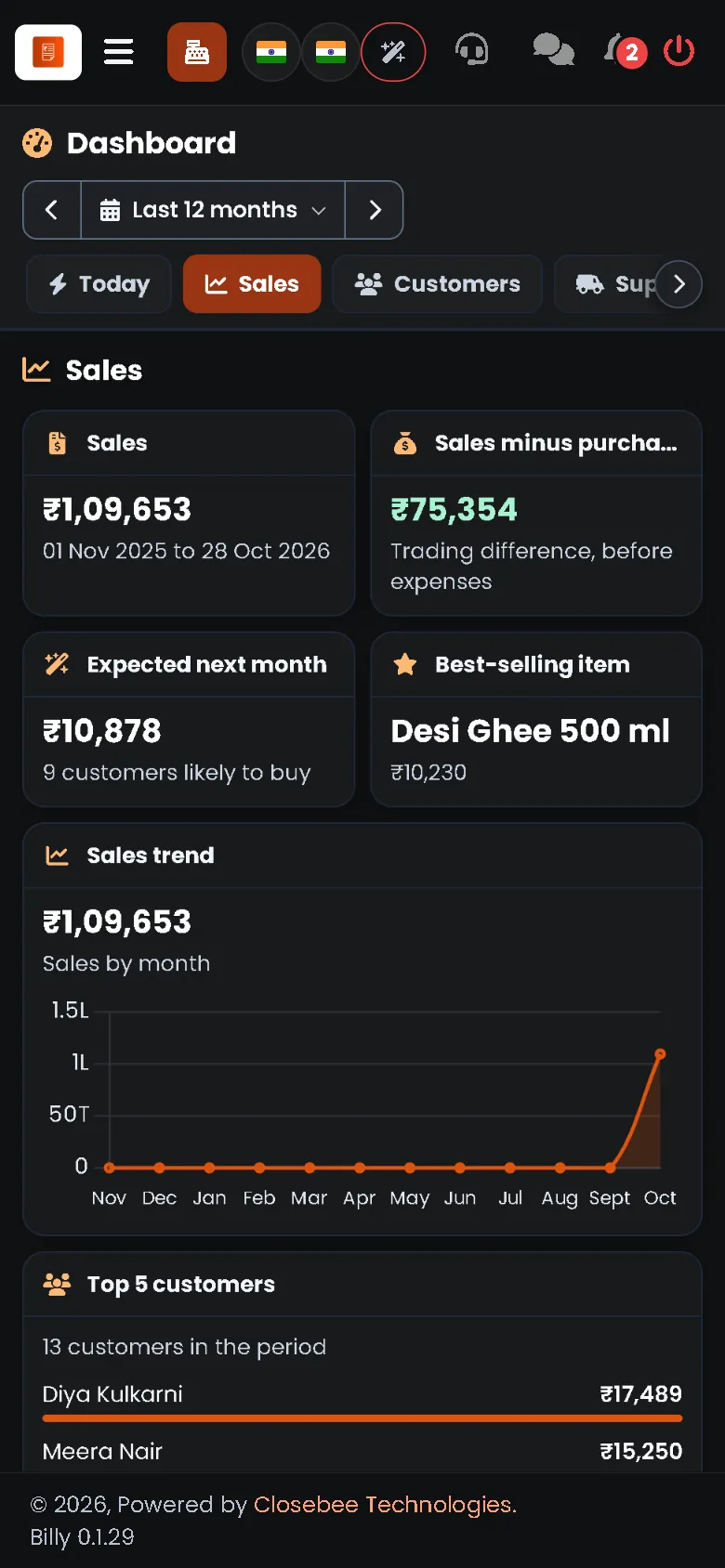 On a phone: the dashboard
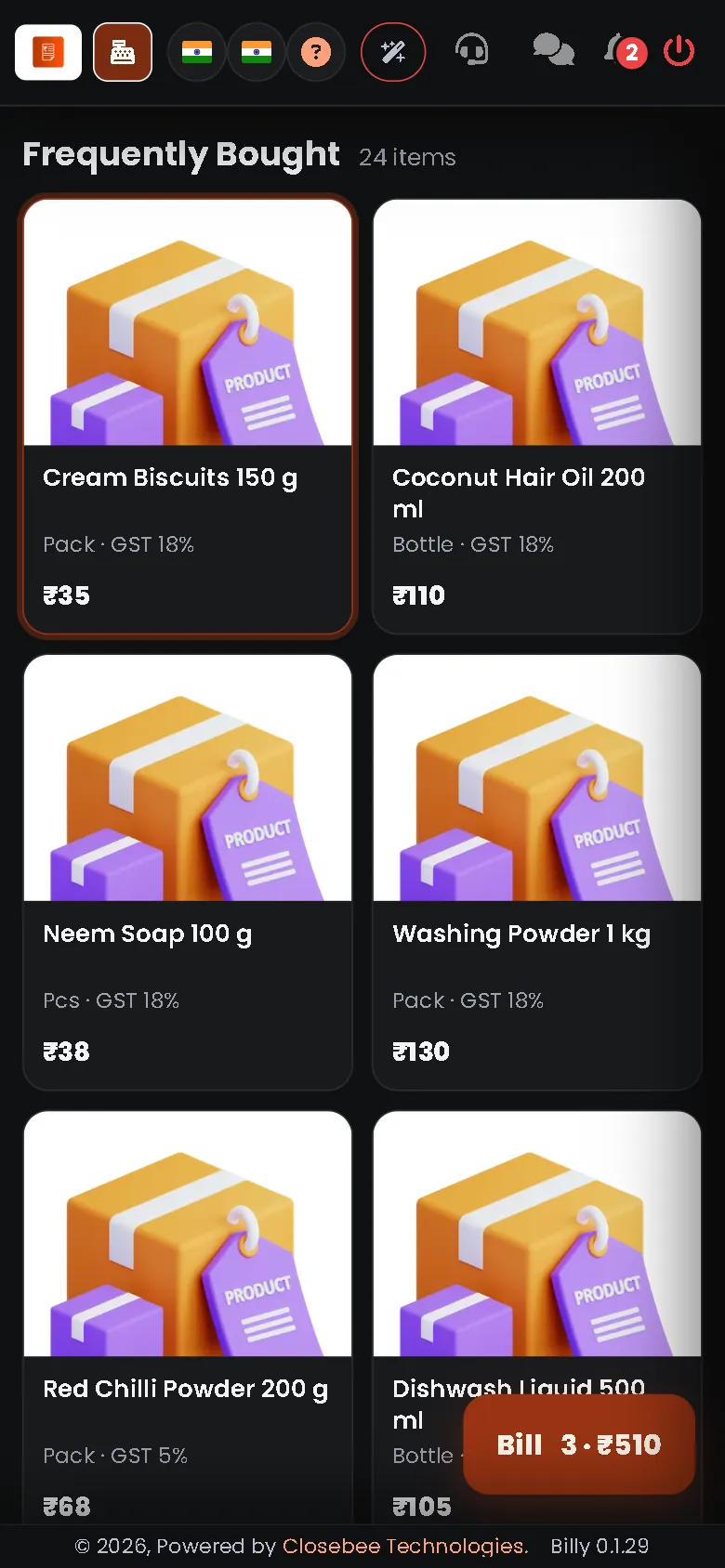 On a phone: the POS